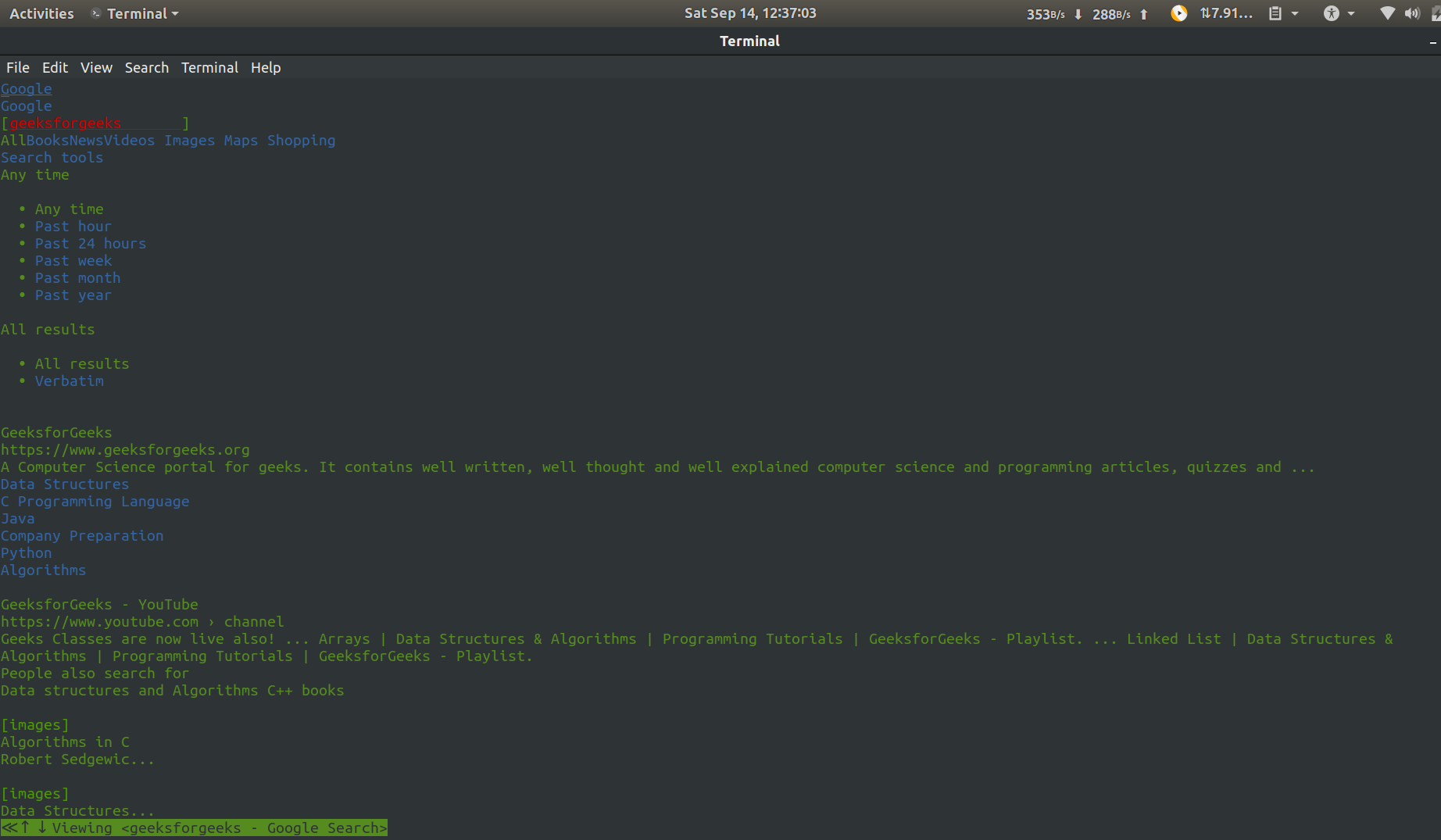
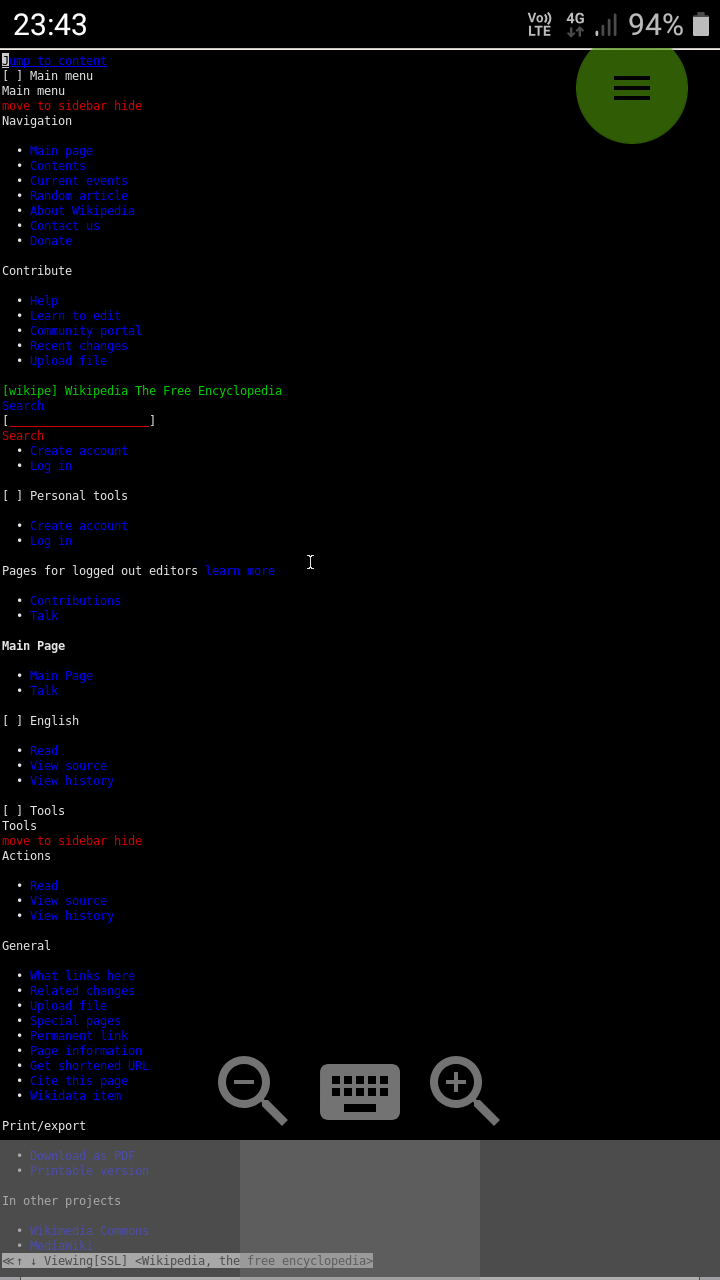
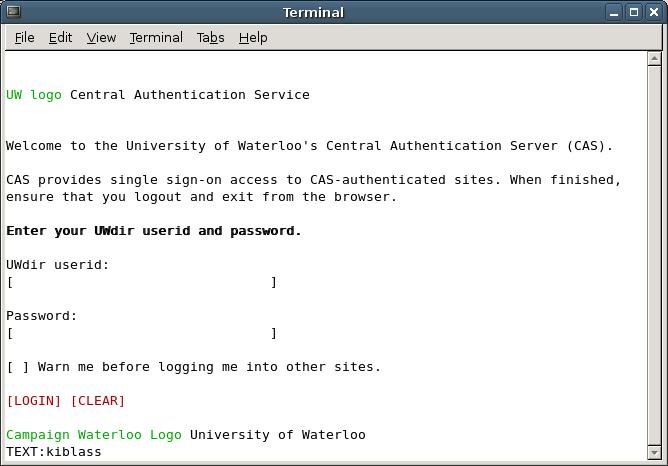
w3m is a free and open source text-based web browser licensed under the MIT license. It differs from other text-based browsers by supporting elements such as tables, frames, and images.
History
The name "w3m" stands for "WWW wo miru (WWWを見る)", which is Japanese for "to see the WWW", and where "W3" is a numeronym of "WWW". The original project is no longer active, but an active version is being maintained by a different developer, Tatsuya Kinoshita.
Functions
w3m runs in terminal emulator programs such as xterm and GNOME Terminal. The browser has tabbed browsing, right click menus, and image support, along with support for tables and frames. It also functions as a terminal pager. It can be navigated solely using the keyboard or with the mouse. There are two different display modes, one with colors and one that is monochrome.
w3m can be used within Emacs.
Some distributions require the installation of a second package, w3m-img, to render images using w3m.
See also
- Eww (web browser)
- Emacs/W3
- Lynx (web browser)
References
External links
- Official website
- w3mmee official website
- w3m on GitHub currently (as of 2018–03) maintained version repository